
How to improve my rating (for Manufacturers)?
The rating reflects your activity on the platform. It looks at whether your profile is completed, whether your facility keeps its inventory up to date, whether you register shipments to waste handlers or recyclers regularly, and whether the provided data is consistent and reasonable.

To help you get started, below are some tips on how to quickly improve your rating:
- Check if your profile is fully completed

- Add waste to at least three inventory categories within two-month periods. You’ll receive additional points if you update your inventory at least once every 30 days.

- Find and ship waste to partners who are active on the RR platform. You’ll receive one point if the partner is listed on the platform, and two points if the partner is preferred by a brand.
-
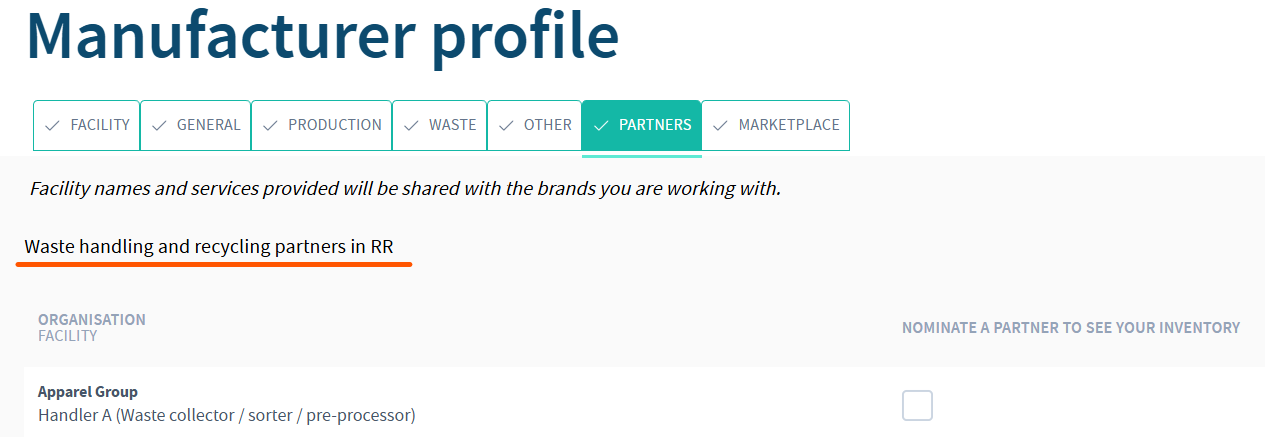
Facilities on the RR platform can be found from the Profile -> Partners tab -> Waste handling and recycling partners in RR
-
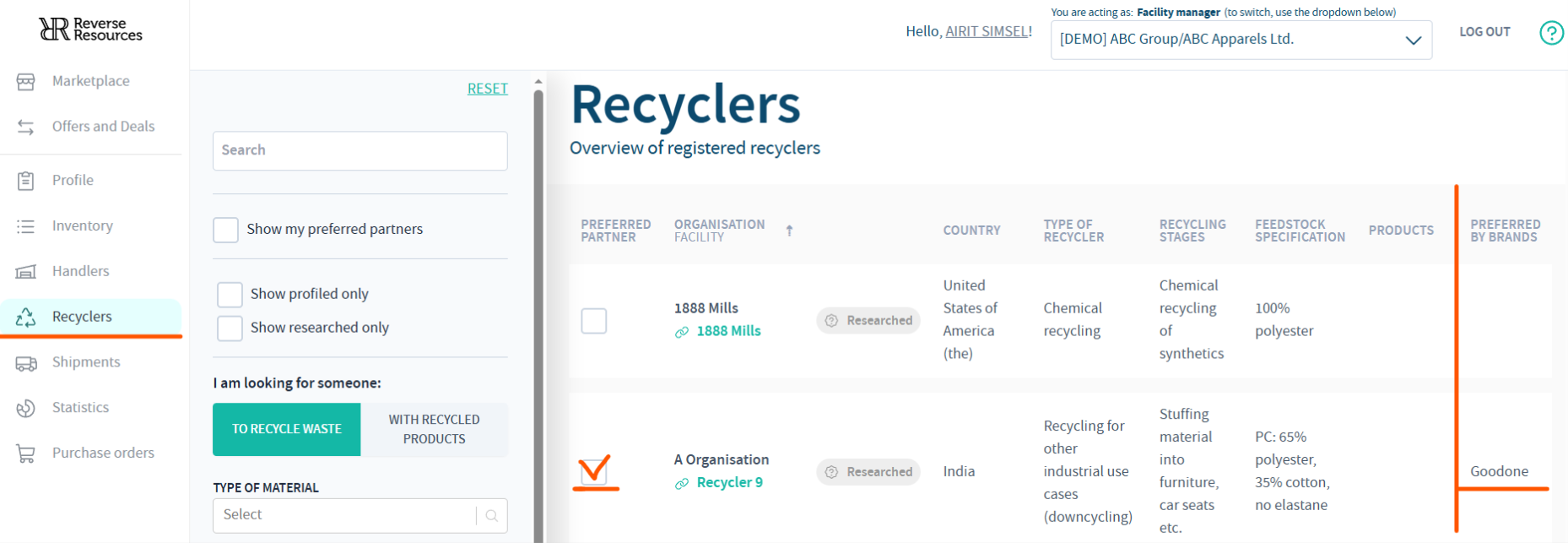
Recyclers preferred by brands are visible from the Recyclers tab
- Finally, register a shipment to any of these partners. You’ll receive one point for registering at least one shipment every two months, and an additional point for registering shipments at least once every 30 days.
-
Completing all the above points will give you 4-7 points.
The criteria for data consistency are more complex. In general, this means that the data you enter is valid and that the partners you work with are honest and reliable. If you’re having trouble earning points for data consistency, feel free to contact us.
For a more in-depth explanation of how the points are calculated, please have a look at the file below.
RR CIRCULARITY PERFORMANCE CRITERIA
If you have any additional questions or need help with maximising your score in any of the above aspects, please contact support@reverseresources.net, and we'll figure it out together.